Home

Space

Artwork

Book

Games

Screensavers

Wallpapers

Photos

360° Pictures

Music

Linux

Archive

About

Guestbook

Contact
Sponsor

|
|
3D Solar System 3.9
Copyright 2006 Henrik Tingstrom, Freeware
3D Solar System 3.9 does not work with Win8 or Win10,
sorry!
The install file is rebuild April 2011. 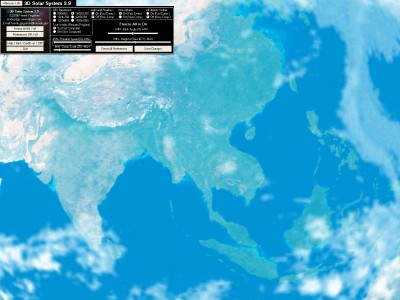
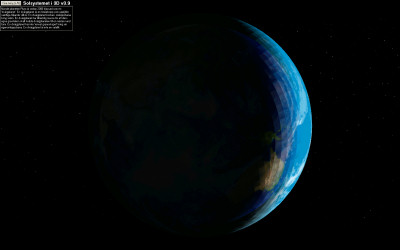
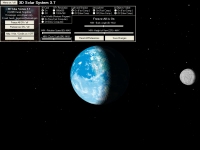
A view of Earth with 'True Worlds' = On
and 'Atmosphere' = On and
screen resolution 1600x1200
Download
3D Solar System 3.9 (22140 kb)
(Klicka
här för
en
svensk version)
Recommends (minimum):
A 3D-card GFX hardware (64 MB or better).
1 GHZ CPU
256 MB RAM
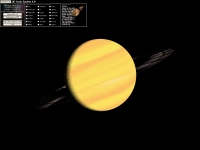
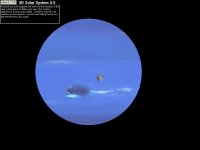
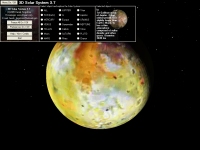
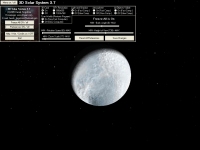
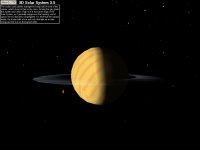
A rolling advanced 3D solar system with all eight planets,
dwarf planet Pluto
and some big moons orbit. If you have a very fast computer - set 'True
Worlds'-option 'On', and you will not be disappointed. You can
manually select view of planet or moon and the camera takes you there. It
includes options like
'Freeze All', 'Height of view', 'Orbit speed / Distance',
'Light and Shadow on/off', 'Atmosphere
on/off', 'Rotation speed',
'Bank Angle',
'Model scale' and 'Zoom scale'.
Support 800x600 up to 1600x1200 and also widescreen 1280x768 or 1680x1050 GFX
resolution. You can also save the preferences.
Awards and reviews
FAQ
Question 1:
I keep getting a message after installation saying...."CRC error- cannot install
file C:\Program files\3DSolarSystem3_7\3DSystem.wld
you will have to run the utility again
to complete installation" but I keep
getting this same message everytime I try... What is wrong?
Answer:
1. Your download session may have been interrupted, please try to download
the program again and make sure you download the file completely before running
it.
2. If you had attempted to run the setup file from the desktop, this
could be the cause of your problem. Please try to run the setup from another
location.
Question 2:
Why can't I get the Real Planet Image?
Answer:
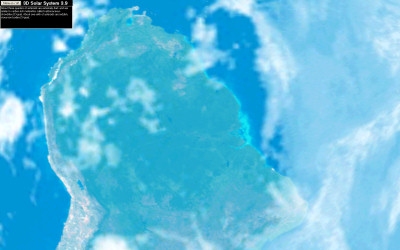
Check the preferences and change the option 'True Worlds' to 'On'. Restart the
program.
Question 3:
I only see a gray screen and nothing happens if I select an object or change the
preferences. Why?
Answer:
You might get the error If you use an onboard graphic card or a graphic card
using the PCI slot.
Please try the program with a 3D graphic card using the AGP
slot.
Question 4:
When I try to run the program I get an error message. "The MSVCRT.DLL file is
linked to missing export NTDLL.DLL:RtlGetNtVersionNumbers". Is this resolvable?
Answer:
Remove or rename the file "MSVCRT.DLL" in the 3D Solar System 3.7 directory (default):
"C:\Program files\3dSolarsystem3_7"
Credits
|
|
My latest space
stuff
WinXP,Win7,Win8,Win10
Moonphase 3.4
My latest game
WinXP,Win7,Win8,Win10
Halloweentreatris
My latest screensaver
WinXP,Win7,Win8,Win10
HTClock 360 Vehicles
My latest image viewer
WinXP,Win7,Win8,Win10

PanoEzy V1.0
My 360° Pictures

Kalmar Castle
My wallpapers

Red Line
|